Wedding Invitation QR Code Guide for RSVP, Registry, and Guest Details

Skip ahead
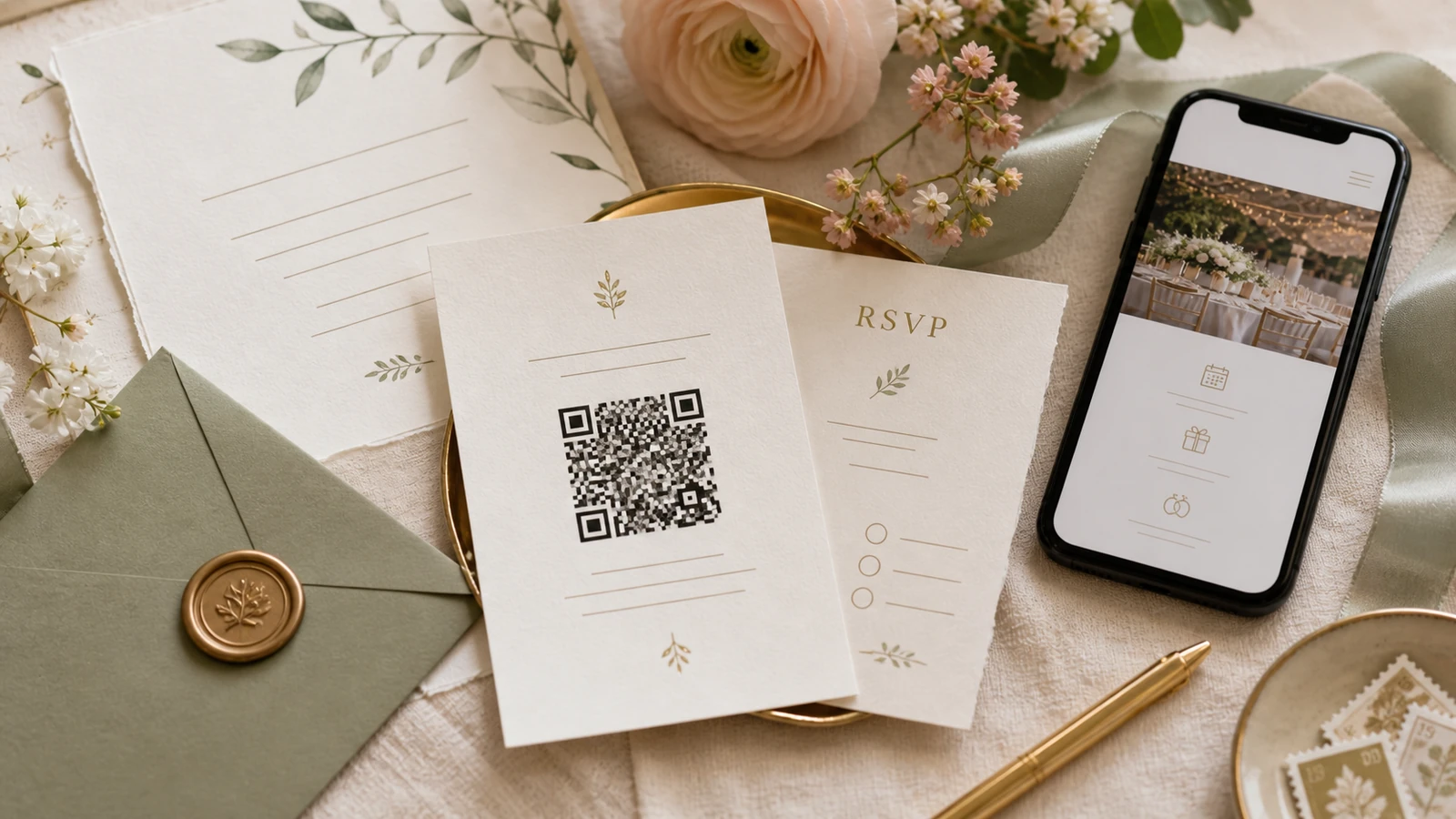
A wedding invitation QR code should send guests to one mobile-friendly wedding website where they can RSVP, read travel details, and find registry guidance without typing a long URL.
Use this as a practical planning reference for wedding invitation QR codes before you publish your website, invite guests, or collect RSVP details.
What to include
Use one destination URL, print a short fallback link, test the code on multiple phones, keep enough white space around it, and avoid sending guests directly to a payment page.
Copy-ready examples
Try wording such as: "Scan for RSVP and details." "Please RSVP online by 12 July." "Travel, schedule, and registry details are available on our wedding website."
How to organize it in Bodaya
Use Bodaya wedding websites with Bodaya RSVP tools so guests move from information to action without hunting through messages.
Mistakes to avoid
Avoid tiny QR codes, decorative backgrounds that reduce scan quality, links that change after printing, or QR codes that bypass the context guests need before contributing.
Recommended flow
A strong flow for wedding invitation QR codes is direct answer, practical checklist, copy-ready examples, private edge cases, and a final next step. That order helps guests act quickly while giving planners enough detail to avoid follow-up messages.
Guest confidence check
Before publishing wedding invitation QR codes, read it like a guest who has never seen the plan. They should know what applies to them, what action to take, what deadline matters, and who to contact if something is unclear.
For multilingual or destination guests
For multilingual or destination guests, keep wedding invitation QR codes simple enough to translate without changing links, names, dates, venue details, or payment paths. Add local terms only where they help guests understand the action.
When to update it
Review your wedding invitation QR codes whenever the deadline, venue, travel plan, meal options, privacy rules, or registry details change, so guests and search snippets do not carry stale information.
Make it easy to scan
Make wedding invitation QR codes easy to scan: start with the direct answer, use descriptive headings, keep examples concrete, and place useful links near the next action.
Plan the next step with bodaya
Use the right Bodaya guide for the job: RSVP and guest-list planning for attendance, or registry payments for gift contributions and thank-you follow-up.
Create a wedding website that keeps schedule, travel, RSVP, registry, and guest details together.
Explore wedding websitesOnline RSVP and guest listCreate event-specific RSVP links, collect guest answers, and keep attendance close to your wedding guest list.
Explore RSVP toolsHoneymoon registryShape gift and honeymoon contribution pages with clear descriptions, thoughtful wording, and guest context.
Explore registriesTopics
- Wedding website
- RSVP
- Wedding registry
Planning RSVP, registry gifts, and guest details together?
bodaya brings wedding websites, RSVP, guest lists, registry contributions, and thank-you follow-up into one connected planning experience.
Start planning